Join VeeamON Virtual on November 20th 2019

Like in recent years, Veeam will kick off its VeeamON Virtual 2019 conference. It’ll take place on November 20th 2019 right on your desktop. Registration is free.

Agenda

Expect presentations by more than 20 speakers from the tracks Vision & Strategy, Implementation Best Practises, Cloud-Powered and Architecture & Design. More than 1000 Minutes of content that 5000+ visitors from all over the world can stream for 24 hours.

Ratmir Timashev (Co-Founder and Executive Vice President) and Dave Russell (Vice President, Enterprise Strategy) will open with their keynote with Veeam Predictions 2020.

Personally I’m very excited about technical sessions by Veeam’s leading technologists. They will give an outlook to the long exprected Veeam Version 10 and many more topics from the Veeam ecosphere.

Like last year and the year before ElasticSky.de will be official media partner of VeeamON Virtual and I will join the expert panel to answer questions about Veeam in the chat room.

Measure vSAN performance with HCIBench

One of the basic ideas behind the introduction of hyperconvergent systems such as vSAN was high data throughput with the lowest possible latencies. This is achieved by short paths to the storage medium (without SAN fabric infrastructure) and the use of fast flash media as cache. If one wants to push such a system to its limits, it requires standardized tests that put considerable load on the cluster.

VMware has provided a benchmark appliance called HCIBench especially for vSAN, but also for classic server storage clusters. The Fling from the VMware lab is freely available and very easy to install.

Continue reading “Measure vSAN performance with HCIBench”

Runecast 3.1 with German BSI Grundschutz compliance monitoring

Runecast Analyzer scans VMware infrastructures for known issues against the VMware-KB, checks hardware compatibility against HCL and compares current settings with VMware best-practice-guidelines and security baselines like DISA STIG, PCI DSS or HIPAA. The most recent version 3.1 now contains baselines from German Federal Office for Information Security (BSI). Germany is an important market for Runecast, so including BSI IT-Grundschutz (BSI IT-Baseline) was an important step to win new customers – especially in the public sector. One of the key selling points of Runecast in that market is its ability to work completely offline. No need to send any data into the cloud. You may update the appliance or get new signatures online, but you can also do this offline by mounting an ISO-image. Yes, Germany is special in that respect, but we had some…. issues.

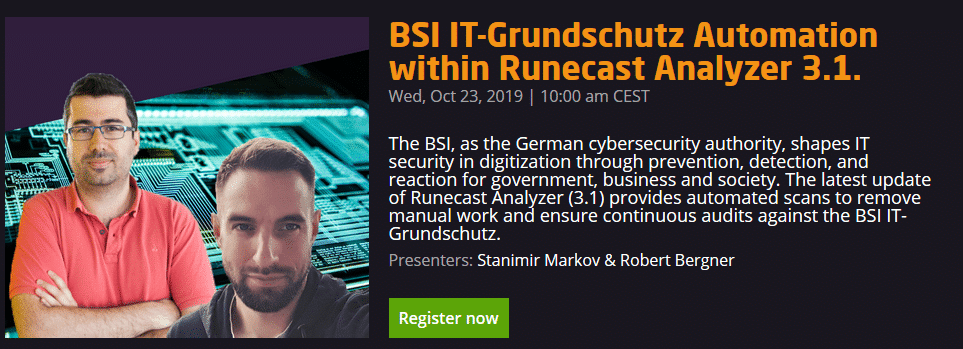
To demonstrate all new features, Runecast will have a webinar on October 23rd 2019 at 10.00 am (CEST). Registration is free but priceless. Stanimir Markov (CEO) and Robert Berger will talk about BSI IT-Grundschutz Automation within Runecast Analyzer 3.1.

Continue reading “Runecast 3.1 with German BSI Grundschutz compliance monitoring”

Setting timezone in Photon-OS

Many of VMware’s appliances are based on Photon OS. Sometimes these appliances aren’t using suitable timezones for your current location, which makes it difficult to match logs and results.

If that appliance has no GUI, you have to adjust it on the shell. Use SSH or the appliance’s console to login as ‘root’. To get a list of all available timezones issue the command below.

ls -lsa /usr/share/zoneinfo | more

Some timezones are divided into sub-zones. For example “Europe”.

ls -lsa /usr/share/zoneinfo/Europe | more

We’re piping the results to the ‘more‘ command in order to achieve better readability. It’s optional. Once you’ve found your timezone, you can set it. In my example it’s “Europe/Berlin”.

set Europe/Berlin timezone

Next we’ll create a symbolic link from localtime to “Europe/Berlin”.

ln -sf /usr/share/zoneinfo/Europe/Berlin /etc/localtime

Finally we can check settings with the ‘date’ command. Date and Time is correct and also the timezone CEST.