
VMworld 2018 – meeting with…

Runecast Solutions Ltd.

Runecast Solutions was founded in 2014 in Brno, Czech Republic by former IBM employees Stanimir Markov, Aylin Sali, Ionut Radu, Constantin Ivanov, Cedomir Smokovic and Marek Ďuriš.

Today the company is headqueartered in London, UK with several offices all over the world and the constantly growing number of employees.

Runecast Analyzer

Runecast is an innovative provider of patent pending actionable predictive analytics for VMware vSphere environments. Runecast Analyzer provides software-defined expertise to mitigate service outages, increase security and compliance and reduce time in troubleshooting. Runecast Analyzer is deployed in VMware environments across the globe within enterprise and SME customers. For more information visit www.runecast.com.

Continue reading “VMworld 2018 – meeting with…”

VMworld 2018 – Day 1 – Monday

Time for Networking, Games and Hands on Labs

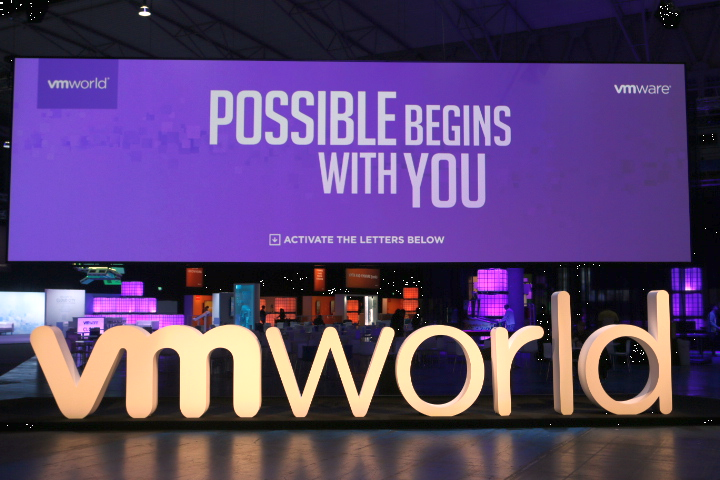
First official day of VMworld Europe 2018. This is a kind of warm-up. Solution Exchange is not open yet and everybody is busy there to finish work for the opening tomorrow.

There are just a few sessions today so the social area (Virtual Village) is crowded and the WiFi is overloaded with traffic. Finally I got a nice spot in the blogging lounge at VMTN.

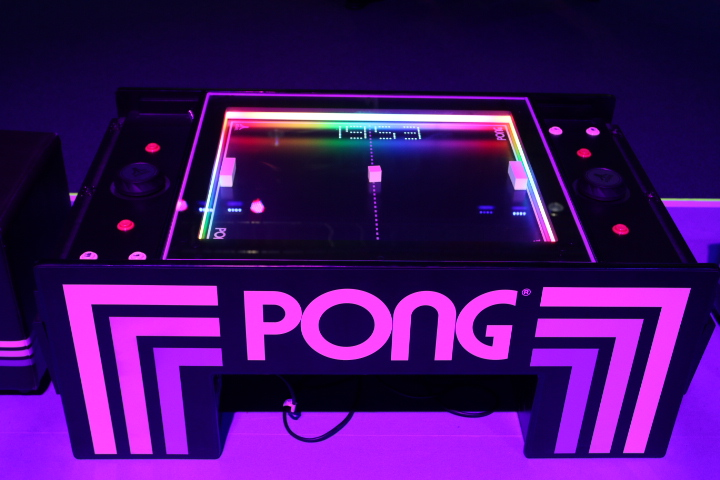
In the middle of Virtual Village there is a gaming area with oldschool flippers, arcade games, an XXXL table kicker and a split-screen racing game. I totally failed to keep the car on track and ploughed the green instead of racing. Should have used a 4×4 car instead. 😉 You can can play a 3D desktop version of classic PONG too.

On my way through Virtual Village I’ve met a couple of friends, bloggers, vExperts that I haven’t seen since VMworld 2017. It feels like a family reunion.


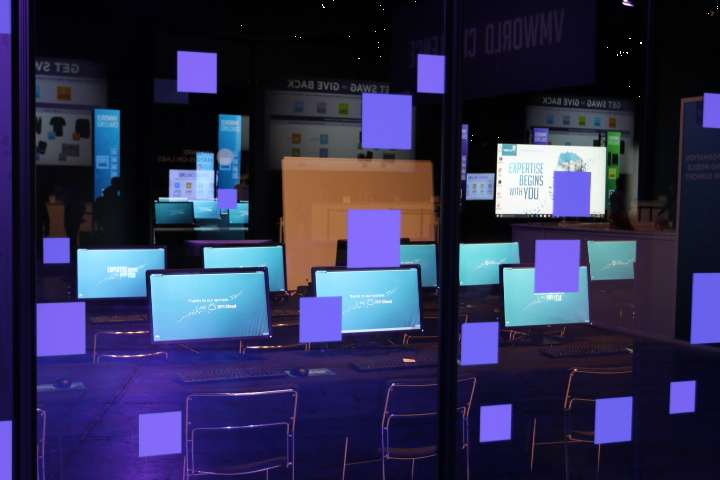
Whenever there is some spare time, you can launch a Hands On Lab (HOL) session. For those who cannot atted VMworld this time, keep in mind that you can access HOL easily from your desk.


Read part 2

Read part 3

Read part 4

vCenter and AD Domain Functional Level

If you’re running a vCenter appliance with Active Directory integration you should take care about your Domain Functional Level. It is crucial to closely work together with the domain administrators team, for some vCenter versions may not support the latest level supported by Windows Server 2016.

What is the Domain Functional Level?

Functional levels determine the available Active Directory Domain Services domain capabilities. They also determine which Windows Server operating systems you can run on domain controllers in the domain or forest. Choosing a Functional Level of Windows Server 2012 implies that there can’t be any Domain Controllers prior that level (like Server 2008 R2).

Functional levels do not affect which operating systems you can run on workstations or servers that are joined to the domain.

Set the domain and forest functional levels to the highest value that your environment can support. This way, you can use as many ADS features as possible. Continue reading “vCenter and AD Domain Functional Level”